









AutoDS is a paid dropshipping automation platform that brings product research, importing, listing management, and supported order workflows into one workspace.
It connects your online store with supported suppliers, helping you manage repetitive tasks without moving constantly between separate websites.
For new and growing sellers, the offer is straightforward: organize the operational side of dropshipping so you can spend more attention on your products, customers, and store.
What does AutoDS do for your dropshipping store?
AutoDS connects a supported selling channel to tools for finding products, preparing listings, managing supplier information, and processing eligible orders. The exact automation available depends on your subscription, supplier, region, selling channel, and enabled add-ons. It is software for running a dropshipping operation—not a promise of sales or a substitute for choosing suitable products.
The platform is worth considering when your working day involves copying product details, reviewing supplier listings, or moving order information between systems. Rather than treating every task as a separate administrative job, you can build a connected workflow around the products you sell.
Supported selling channels include Shopify, eBay, WooCommerce, Wix, Amazon, Etsy, and TikTok Shop, alongside Facebook options. Regional restrictions apply; for example, AutoDS lists Facebook Marketplace support as US-only. Connection support also does not mean every channel receives identical order-management features.
Before choosing a plan, identify the combination you actually need: your store platform, supplier, shipping origin, and customer destination. Use that combination as your buying checklist rather than selecting software from its headline feature count.
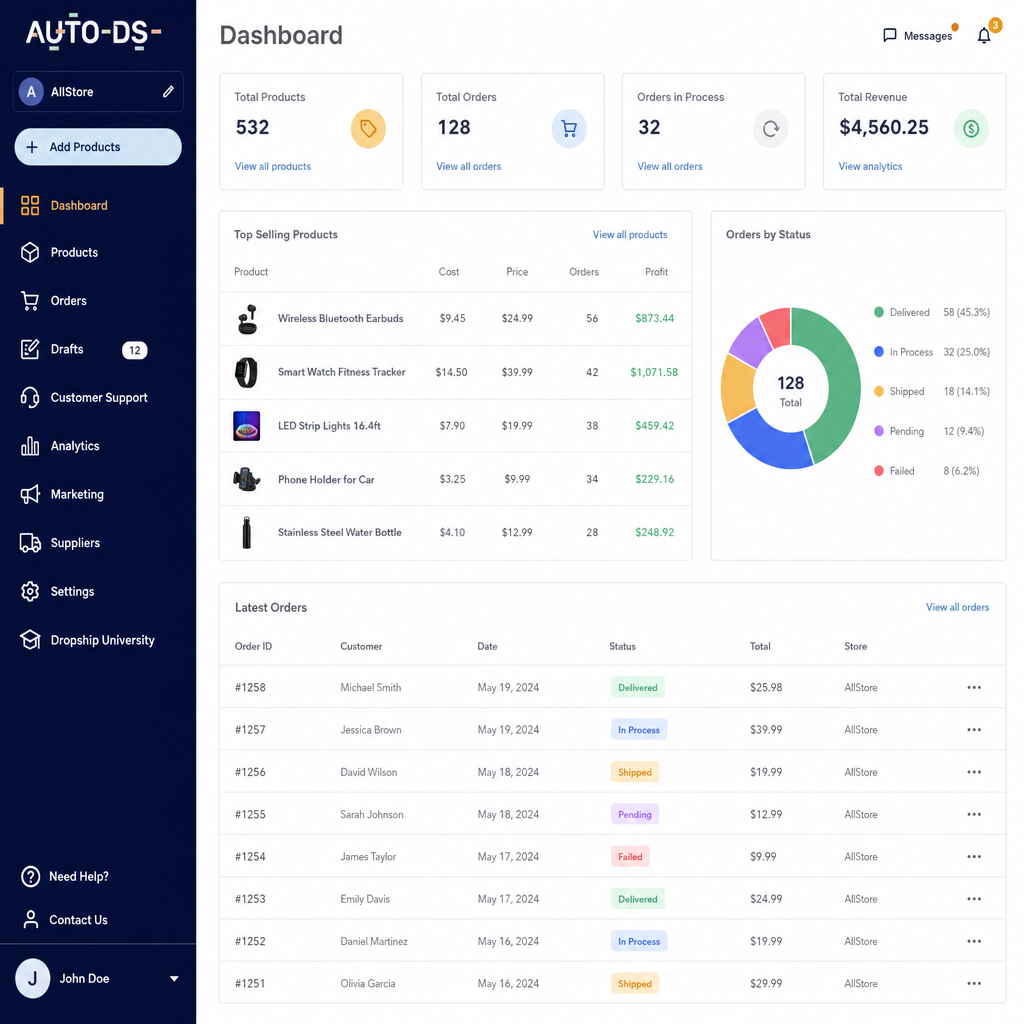
From product discovery to a customer order
An AutoDS dropshipping workflow starts with connecting your store and configuring the suppliers you intend to use. You then prepare products for sale and choose how eligible orders will be handled. Product importing and automated purchasing are separate capabilities, so test both rather than assuming one activates the other.
A practical setup follows this sequence:
- Connect your selling channel. Check regional compatibility and authorize the relevant store connection.
- Choose products and suppliers. Use the marketplace or supported supplier sources to build a shortlist.
- Import into drafts. Review titles, descriptions, images, variants, and pricing before publishing.
- Configure eligible automation. Check monitoring settings, order-processing requirements, and supplier compatibility.
- Review incoming orders. Confirm that the selected fulfillment method has the funding and credits it requires.
- Follow the order through shipment. Tracking synchronization depends on the selling channel and its capabilities.
For a first test, choose one product rather than importing a large catalog. Check that its options display correctly, its shipping expectations match your listing, and its final supplier cost supports your intended selling price. This gives you a manageable way to evaluate the setup before expanding it.
AutoDS automation with clear boundaries
The strongest reason to consider automation is a specific task you want to stop repeating. AutoDS provides several tools, but their usefulness depends on how you configure them and which features your plan includes. Start with the bottleneck you already recognize.
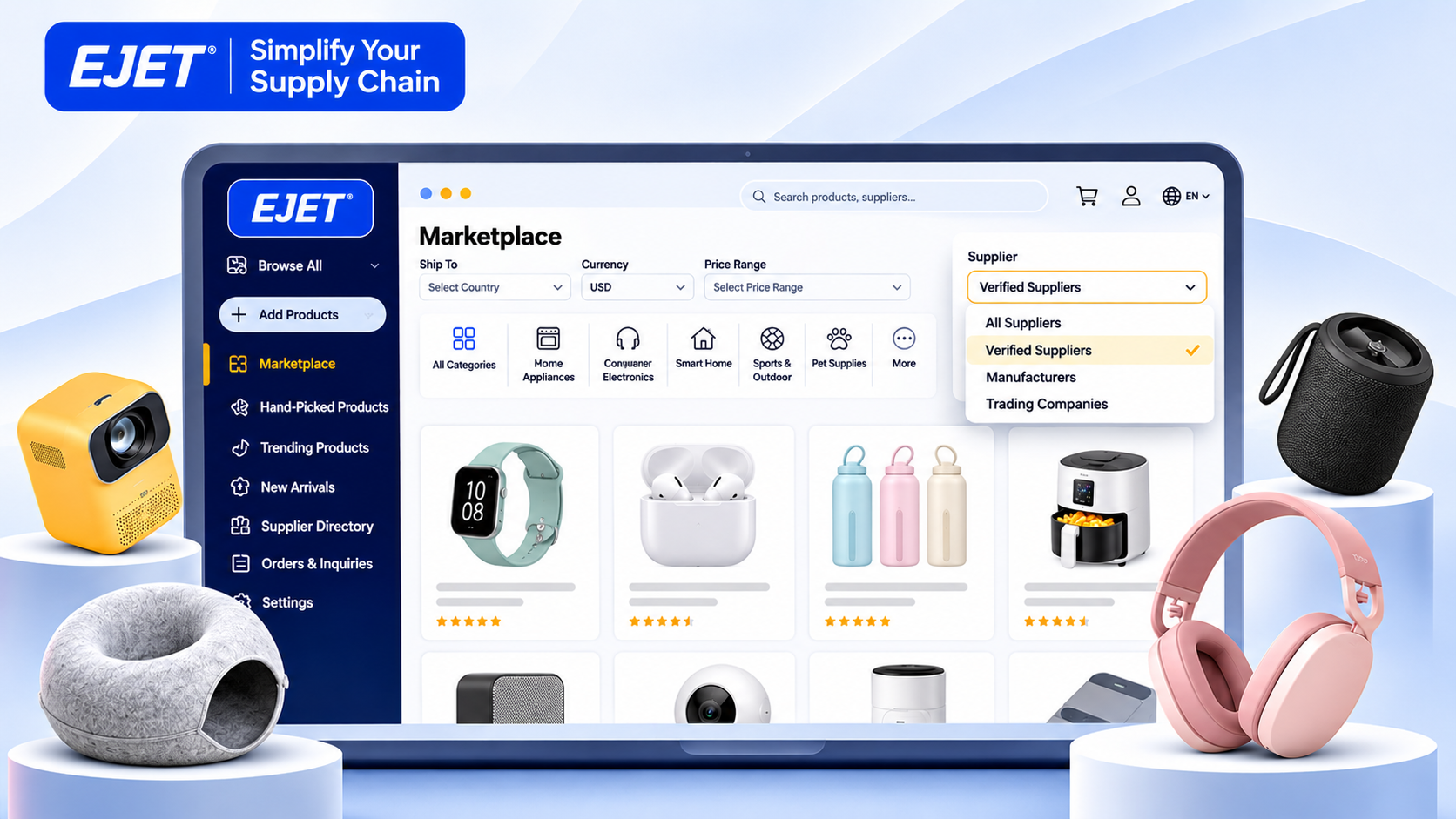
- Product discovery: Browse the AutoDS Marketplace to shortlist products and supplier options. Treat discovery as the beginning of your assessment, not proof that an item will sell.
- Draft preparation: Import products into drafts so you can review their details before publishing. This creates a useful checkpoint between finding an item and offering it to customers.
- Price and stock monitoring: Eligible plans scan supplier information and update listings according to your settings. AutoDS documentation states that Import 200 does not include this monitoring.
- Order automation: Fulfilled by AutoDS can place eligible supplier orders using AutoDS buyer accounts, provided the required setup, balance, and credits are available.
Monitoring is scheduled rather than an assurance of instant synchronization. AutoDS describes scans running multiple times daily on plans that include the feature. Keep that distinction in mind when choosing products with unstable availability or rapidly changing supplier prices.
For example, imagine that you sell a storage organizer in several sizes. During your trial, check how the imported variants appear and how you would handle a supplier change. Evaluate the workflow against that recognizable situation, not just a demonstration dashboard.
The AutoDS Chrome extension for supplier browsing
The AutoDS Chrome extension, called AutoDS Helper, lets you import products while browsing supported supplier websites. Products are saved as drafts by default, although you can change the extension settings to publish directly to a selected store. It also includes a buyer-address copying function for supported checkout workflows.
For a careful launch, keep draft importing enabled. Review the product name, selected variants, images, shipping information, and selling price before making the listing visible. The extension is most useful as a shortcut into your review process, rather than a reason to skip it.
Compatibility deserves a separate check. AutoDS says the Helper supports fewer suppliers than its full product-upload system; where the extension is unavailable, importing by product URL or ID may still be possible. Confirm the supplier and region you plan to use before relying on browser-based importing.
AutoDS pricing and the complete operating budget
AutoDS pricing varies by selling channel, subscription tier, and billing cycle. For Shopify, published monthly options include Import 200 at $26.90, Starter 500 at $39.90, and Advanced 1K at $66.90.
Annual options display lower monthly equivalents, but annual billing is a different payment commitment from paying month to month. Confirm the selected channel and checkout total before subscribing.
|
Budget component |
What to check before purchasing |
|---|---|
|
Base subscription |
Selling channel, plan tier, listing allowance, and billing cycle |
|
Orders Processor add-on |
Whether your intended order automation requires activation |
|
Auto-Order Credits |
The actions you will automate and the credits those actions consume |
|
Managed order balance |
Prepaid funding for supplier purchases through Fulfilled by AutoDS |
|
Other enabled services |
Any additional subscriptions or optional features selected during signup |
Auto-Order Credits pay for automation actions; they do not pay for the products themselves. For Fulfilled by AutoDS, the managed balance funds supplier purchases, while credits enable the automation. The Orders Processor add-on is also required for order automation. Keeping those costs separate makes the subscription easier to evaluate.
Build your budget around a realistic test month. Write down the subscription, any required add-ons, expected automation usage, and money reserved for supplier purchases. Then consider your separate storefront, marketing, and customer-service budget rather than treating the AutoDS subscription as the entire cost of operating your store.
Choose the smallest plan that supports the workflow you need—not automatically the cheapest tier. If monitoring is essential, for instance, Import 200 does not meet that requirement according to AutoDS's help documentation.
The AutoDS trial, subscription, and coupon checks
For shoppers asking how long is the AutoDS trial, the standard published period is three days. The pricing page advertises $0.99, while some buttons and FAQ wording round the offer to $1. Check the actual signup screen for the amount attached to your selected offer.
You do need to subscribe to AutoDS to continue using its paid service after the trial. AutoDS states that the subscription automatically renews at the full selected plan price when the trial ends. If you select annual billing, the full annual amount is charged upfront at that point; enabled add-ons are billed separately. Cancel before the trial expires if you do not want to continue.
Use the short evaluation window deliberately:
- Record the trial expiration and selected billing cycle before testing.
- Connect the store and supplier combination you actually intend to use.
- Import and inspect a small selection of representative products.
- Review active services under Settings → Plans & Add-ons before renewal.
If you are searching for an AutoDS coupon, verify the discount at checkout rather than budgeting around an unconfirmed code. Distinguish a subscription promotion from a credit-purchase discount: AutoDS documents a separate coupon field when purchasing Auto-Order Credits. A discount on one purchase should not be assumed to apply to another.
DSers vs AutoDS and other alternatives
When comparing DSers vs AutoDS, focus on the workflow and features you will actually use. DSers offers a free Basic plan alongside paid tiers, whereas AutoDS presents paid subscriptions with a short introductory trial. DSers's documentation also states that automatic inventory and price updates are not included in its Basic plan.
That creates a useful starting point for your decision. If avoiding an initial software subscription is your priority, investigate whether DSers Basic covers your requirements. If you want AutoDS's combination of supported selling channels, product tools, and eligible fulfillment automation, test those capabilities together rather than comparing entry prices alone.
Apply the same checklist when reviewing other AutoDS alternatives:
- Can the tool connect your exact selling channel and supplier region?
- Which importing, monitoring, and order tasks are included in the quoted plan?
- What remains manual after setup?
- What is the total recurring cost with necessary extras?
- Can you validate the workflow before making a longer commitment?
The right AutoDS alternative is the one that solves your operational problem at an acceptable cost. A lower headline price is less useful if the task you most need to automate remains outside the plan.
Evaluate fit before expanding your catalog
For a useful AutoDS review of your own, define success before starting the trial. Choose a few observable checks: a clean product import, the correct variant mapping, understandable pricing settings, and a clear order-processing path. Record where you still need to intervene, then decide whether the remaining work is acceptable.
Pay particular attention to fulfillment compatibility. Fulfilled by AutoDS is not Amazon FBA: it automates supplier purchasing, and the supplier ships to your customer. AutoDS also states that Facebook Marketplace does not support order management within AutoDS, so those orders must be fulfilled and tracked on Facebook.
Do not expand the catalog simply because importing is convenient. First make sure you can explain how an order will be funded, placed, shipped, and followed up. A smaller, understood workflow is a better test than a large collection of listings you have not checked.
Start with one store and a clear test
Make your next step specific: select your selling channel, compare the relevant AutoDS plans, and confirm the trial's renewal terms. Prepare one supplier and a small product shortlist before signup so the evaluation period goes toward testing rather than preliminary decisions.
During the test, follow a product from supplier source to published listing and inspect the available order workflow. Keep notes on what becomes easier, what needs configuration, and what would cost extra. Those observations give you a firmer buying decision than a feature list alone.
Review AutoDS plans and start the trial when you are ready to test your actual store workflow. Continue only when the compatibility, controls, and total cost fit the way you intend to sell.
Frequently Asked Questions About AutoDS
How long is the AutoDS trial period?
The standard trial period for AutoDS is typically three days, and it may start at a nominal fee of $0.99. It’s best to check the signup screen for the exact terms.
Do I need to subscribe to AutoDS to continue using it after the trial?
Yes, you must subscribe to AutoDS to continue using its services once the trial period ends, as it automatically renews at the full selected plan price.
Are there any AutoDS coupons or discounts available?
Yes, users can look for AutoDS coupons at checkout. It's important to verify that any discount applies to the specific services you are purchasing.
How does AutoDS compare to DSers?
AutoDS offers paid subscriptions with a trial period, while DSers provides a free Basic plan along with paid tiers. The choice depends on the specific features and workflows you need for your dropshipping operation.
What features does AutoDS offer for dropshipping automation?
AutoDS offers tools for product discovery, listing management, order automation, price and stock monitoring, and integration with various selling channels like Shopify, eBay, and Amazon.